Currently in Google Play closed testing for Android. Access is restricted to eligible testers; this is not a public release.
Small Tools. Big Help.
The little toolkit
Explore Poquito
Discover the little tools that make everyday jobs easier.
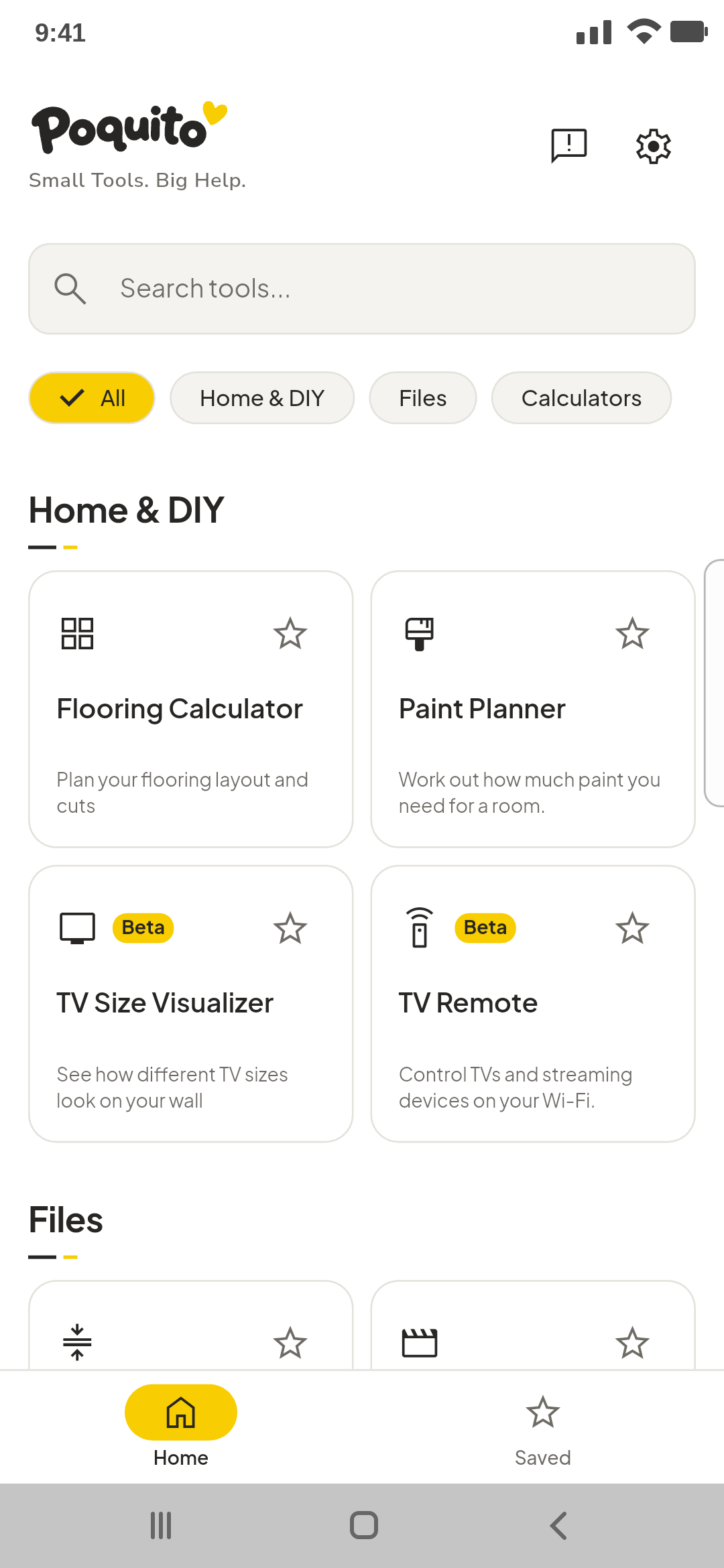
Flooring Calculator
Plan your flooring layout and cuts
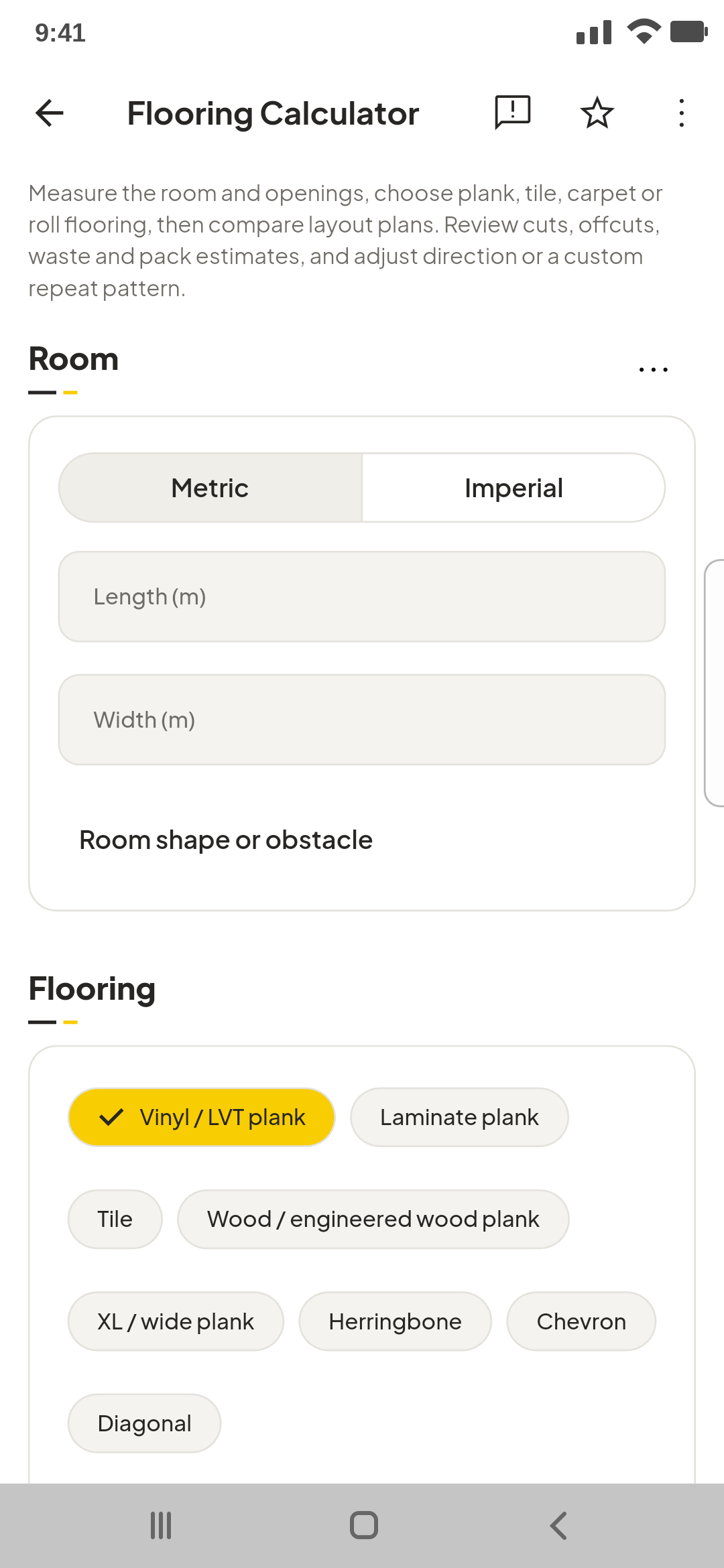
Measure the room and openings, choose plank, tile, carpet or roll flooring, then compare layout plans. Review cuts, offcuts, waste and pack estimates, and adjust direction or a custom repeat pattern.
Room openings and flooring layouts
Cut, waste and pack estimates
Paint Planner
Work out how much paint you need for a room.
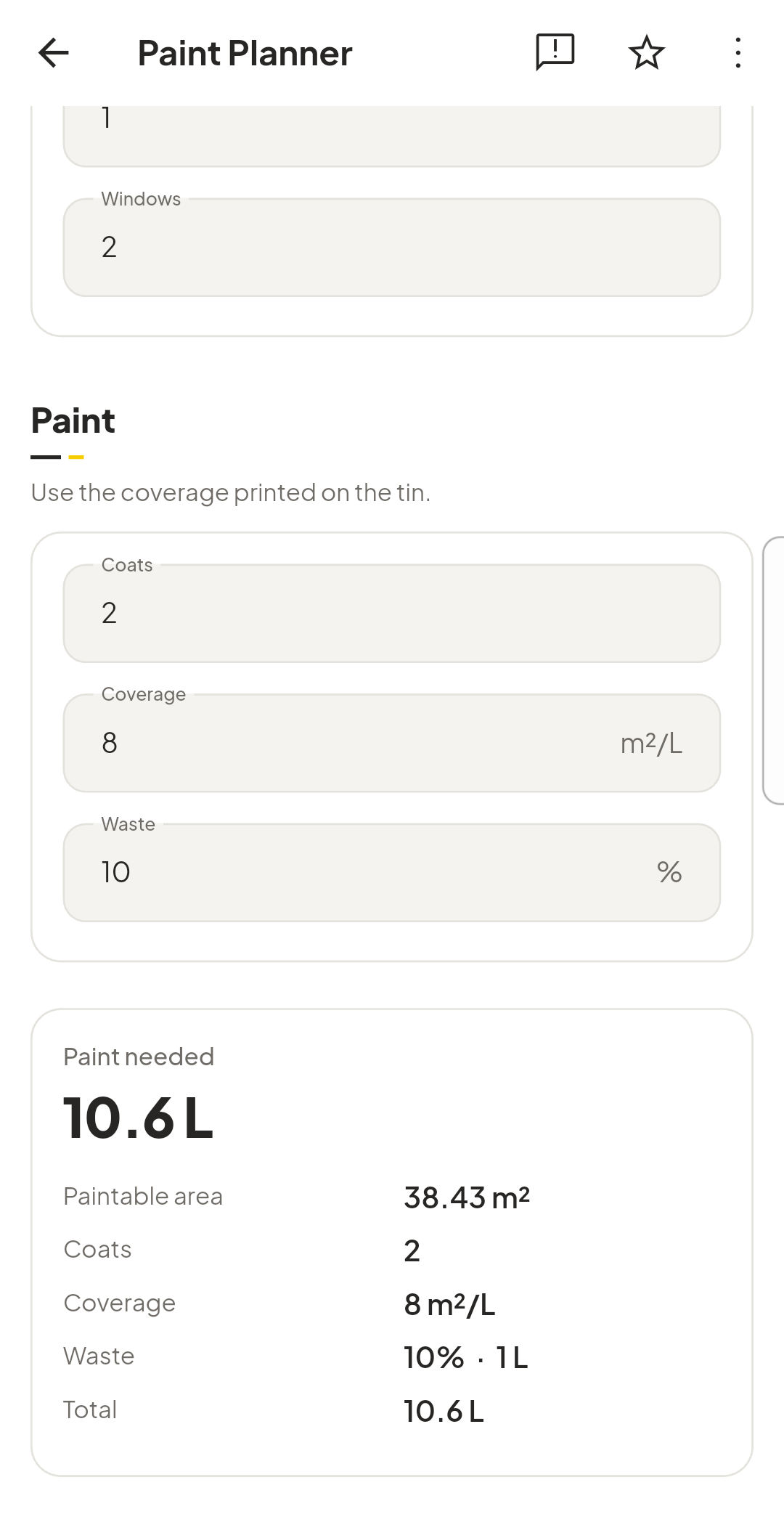
Enter room width, length and wall height, then choose whether to include the ceiling. Subtract door and window openings and set coats, coverage and waste to estimate the paint volume.
Wall and optional ceiling area
Coats, coverage and waste allowance
TV Size Visualizer
See how different TV sizes look on your wall
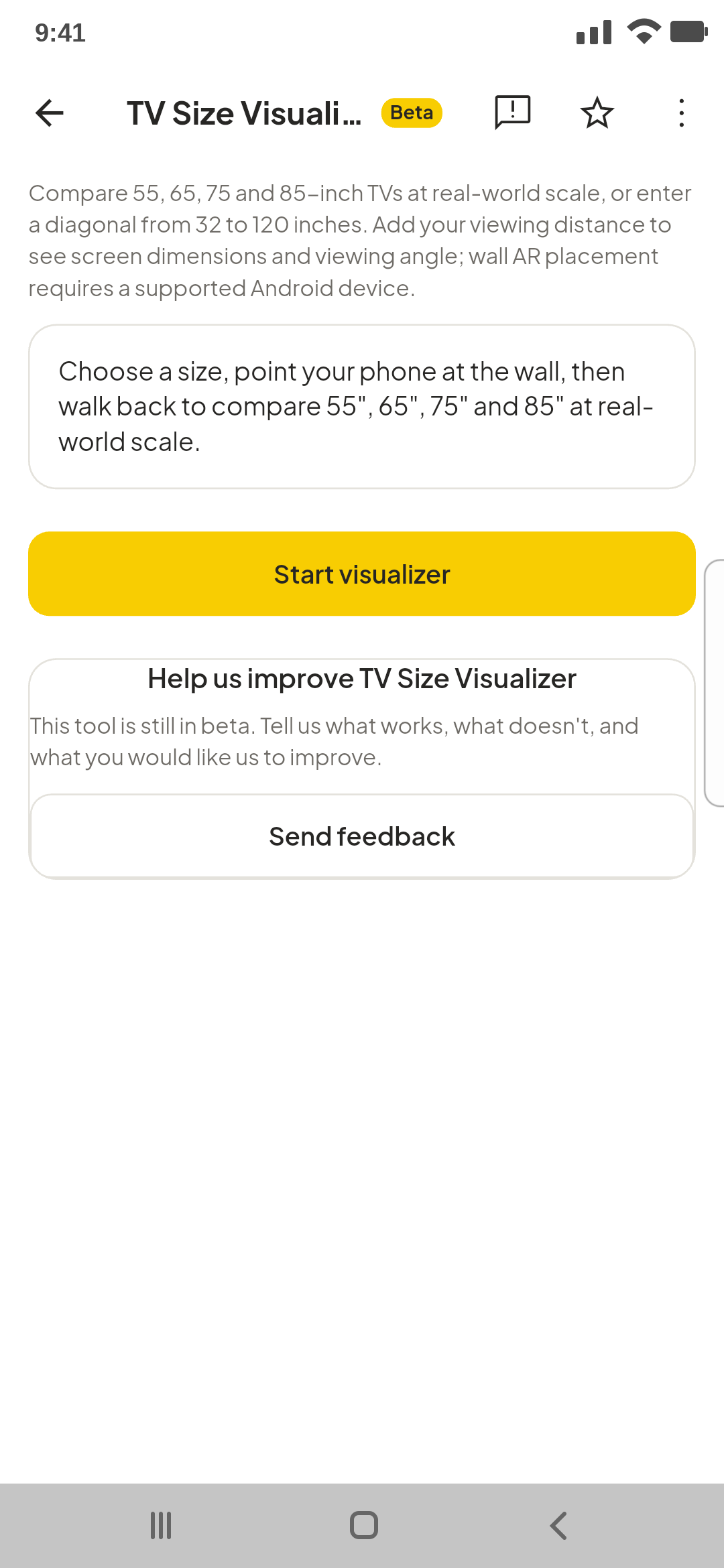
Compare 55, 65, 75 and 85-inch TVs at real-world scale, or enter a diagonal from 32 to 120 inches. Add your viewing distance to see screen dimensions and viewing angle; wall AR placement requires a supported Android device.
Screen dimensions and viewing angle
Wall AR on supported Android devices
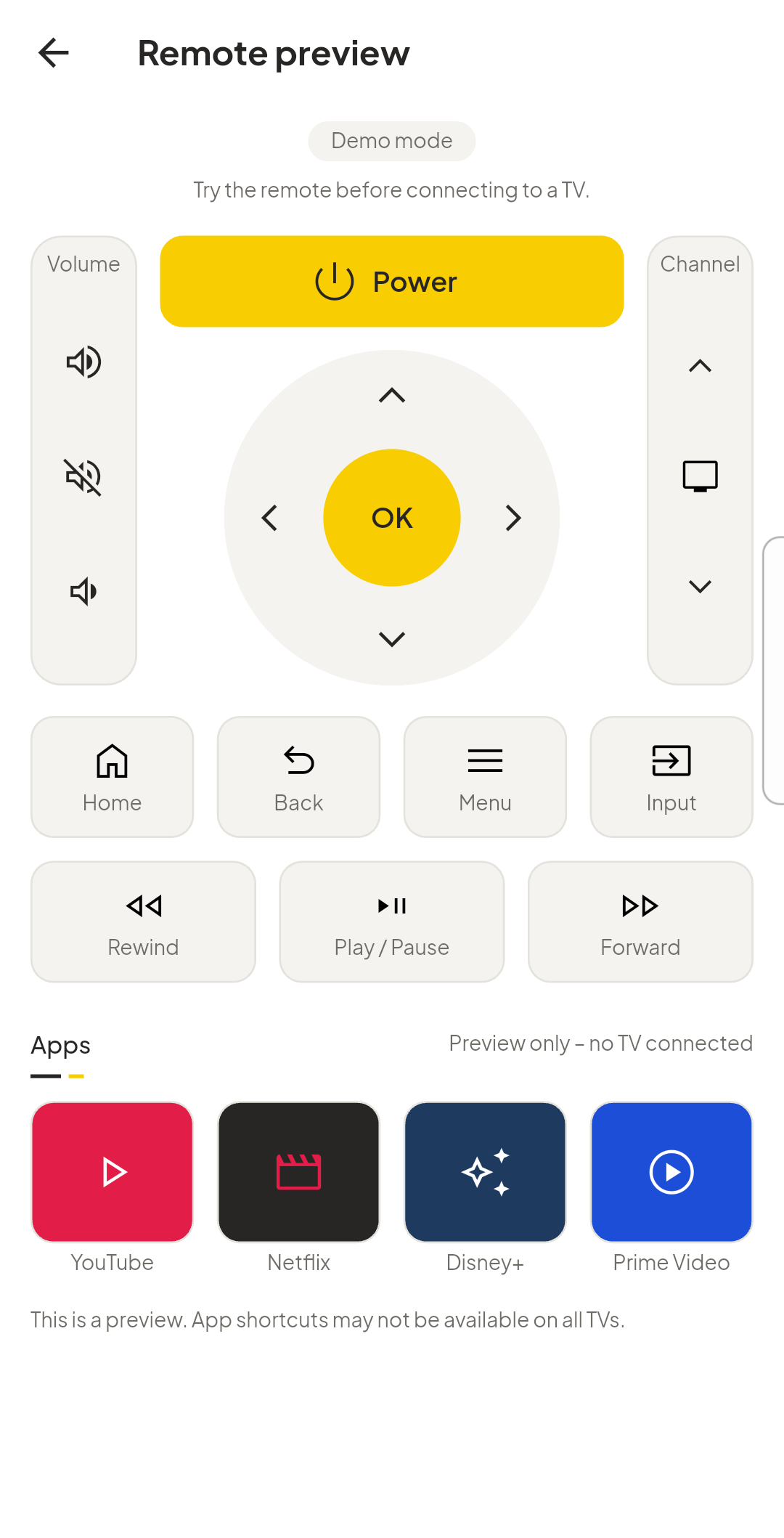
TV Remote
Control TVs and streaming devices on your Wi-Fi.
Discover compatible TVs on the same Wi-Fi network, pair when prompted, and use the controls supported by that TV. Discovery, pairing and available buttons vary by brand and model; this beta does not work with every TV.
Compatible TVs on the same Wi-Fi
Device-specific pairing and controls
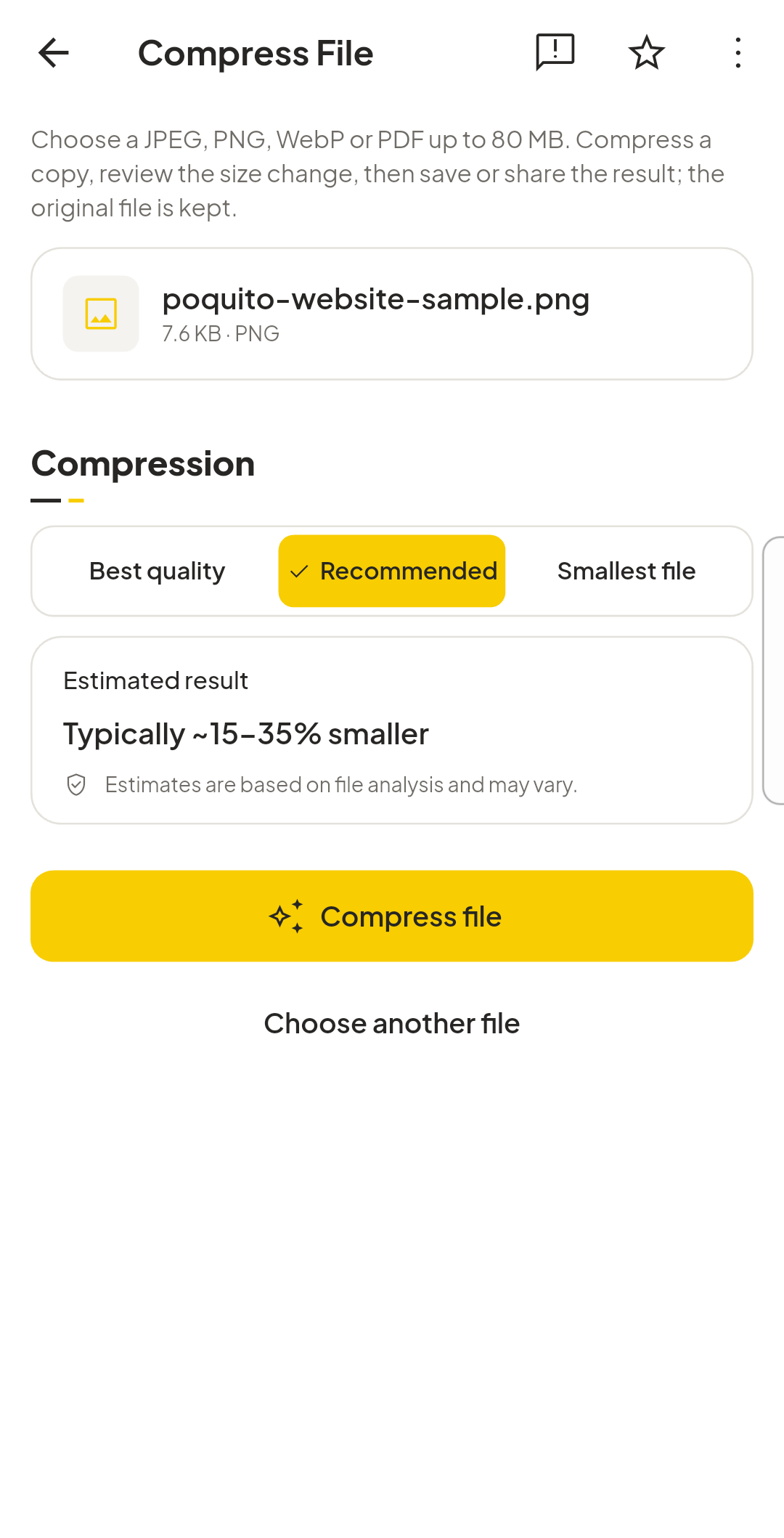
Compress File
Make a photo, PDF or image smaller
Choose a JPEG, PNG, WebP or PDF up to 80 MB. Compress a copy, review the size change, then save or share the result; the original file is kept.
JPEG, PNG, WebP and PDF inputs
Save or share a compressed copy
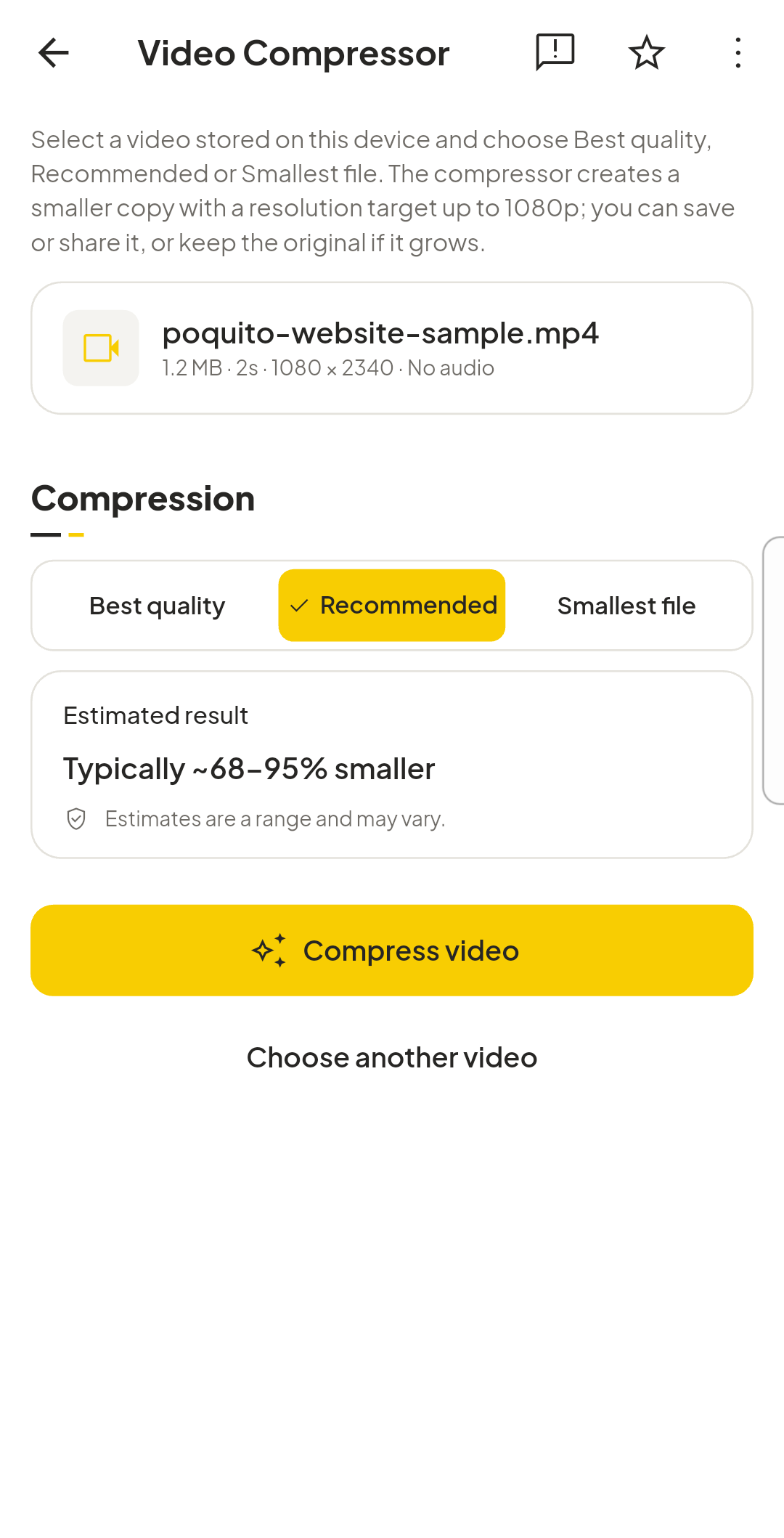
Video Compressor
Make a video smaller without leaving this phone
Select a video stored on this device and choose Best quality, Recommended or Smallest file. The compressor creates a smaller copy with a resolution target up to 1080p; you can save or share it, or keep the original if it grows.
Three compression presets
Save or share the smaller copy
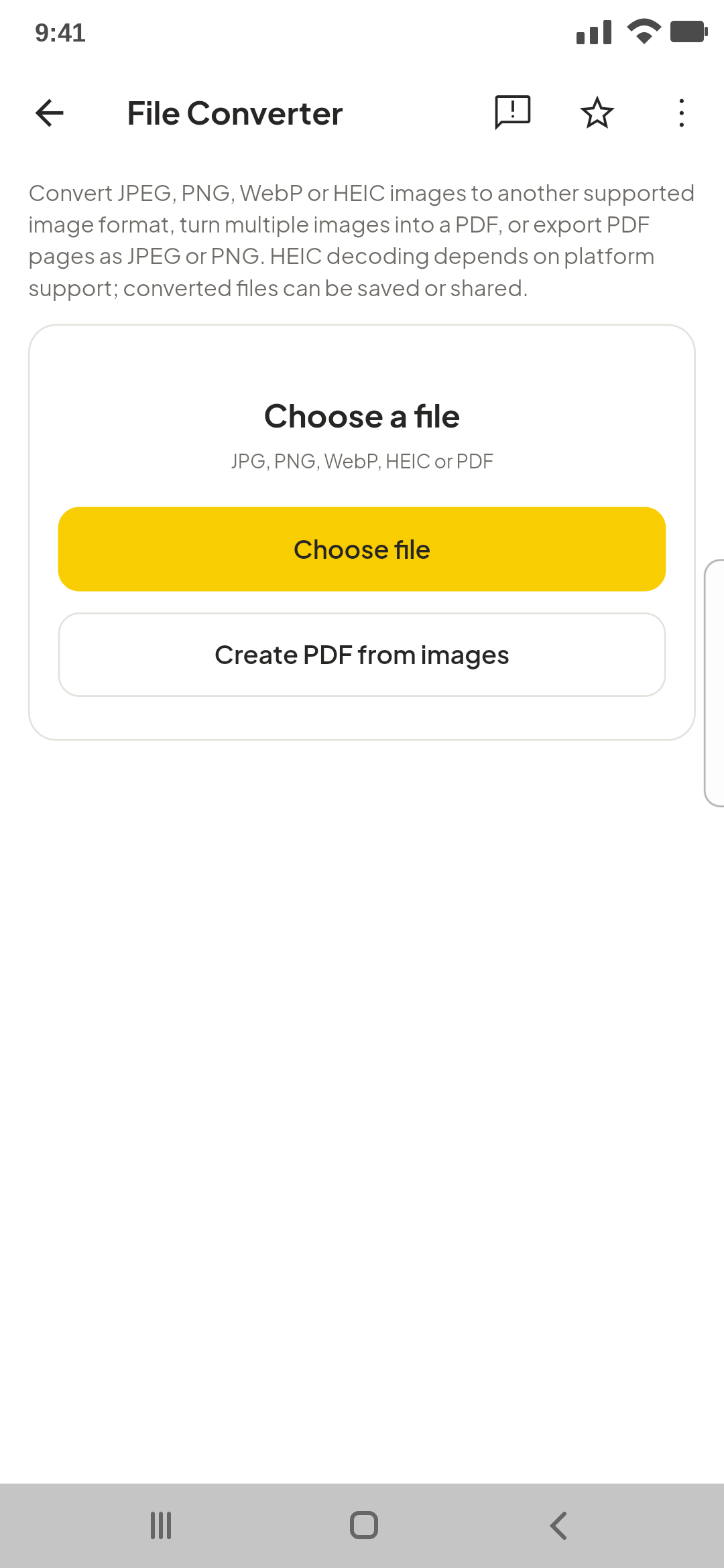
File Converter
Convert images and create a PDF
Convert JPEG, PNG, WebP or HEIC images to another supported image format, turn multiple images into a PDF, or export PDF pages as JPEG or PNG. HEIC decoding depends on platform support; converted files can be saved or shared.
Supported image-format conversion
Images to PDF and PDF pages to images
Media Converter
Convert video and audio on this phone
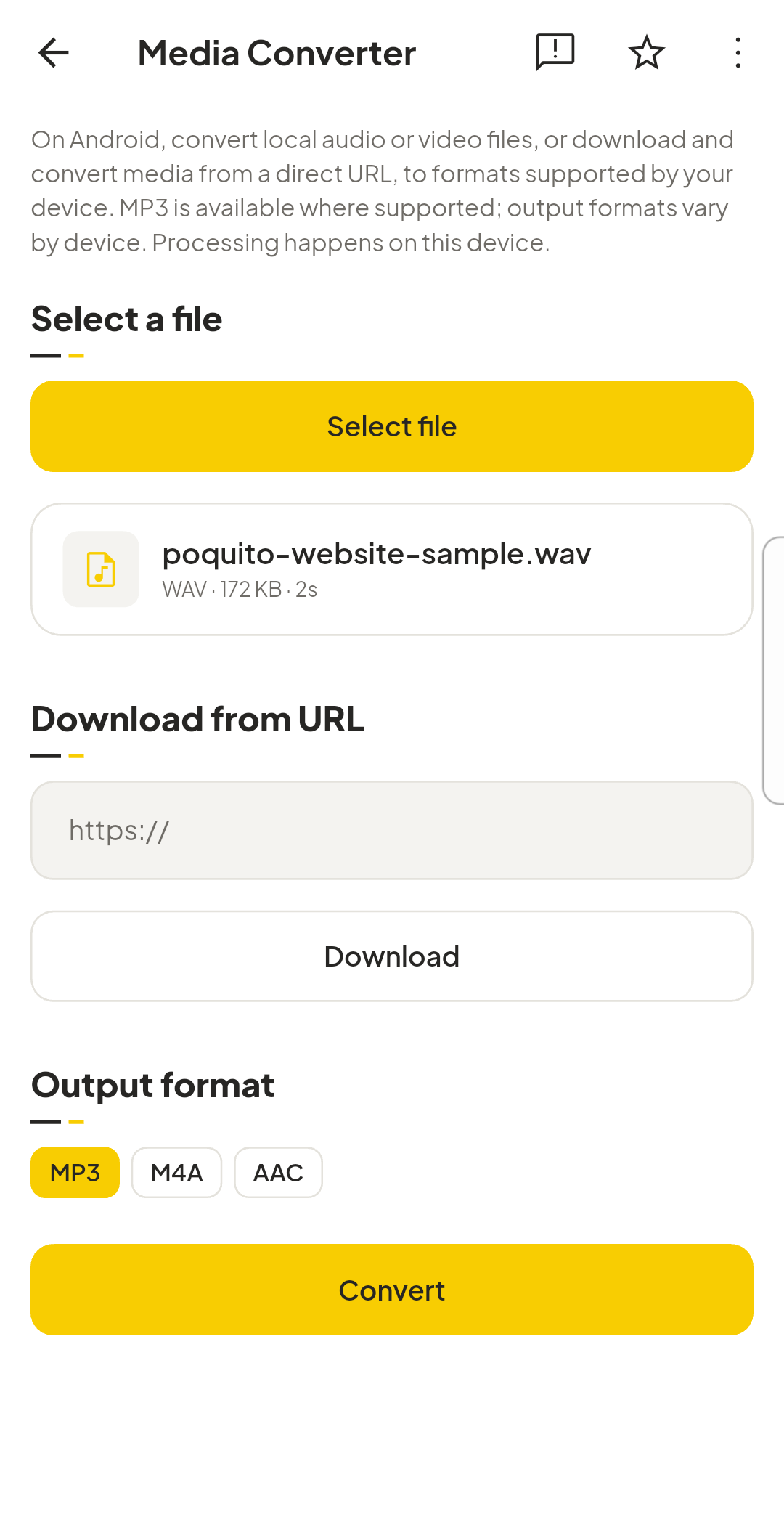
On Android, convert local audio or video files, or download and convert media from a direct URL, to formats supported by your device. MP3 is available where supported; output formats vary by device. Processing happens on this device.
Local audio and video conversion on Android
Download media from a direct URL
PDF Organizer
Merge, split, rotate and reorder PDF pages
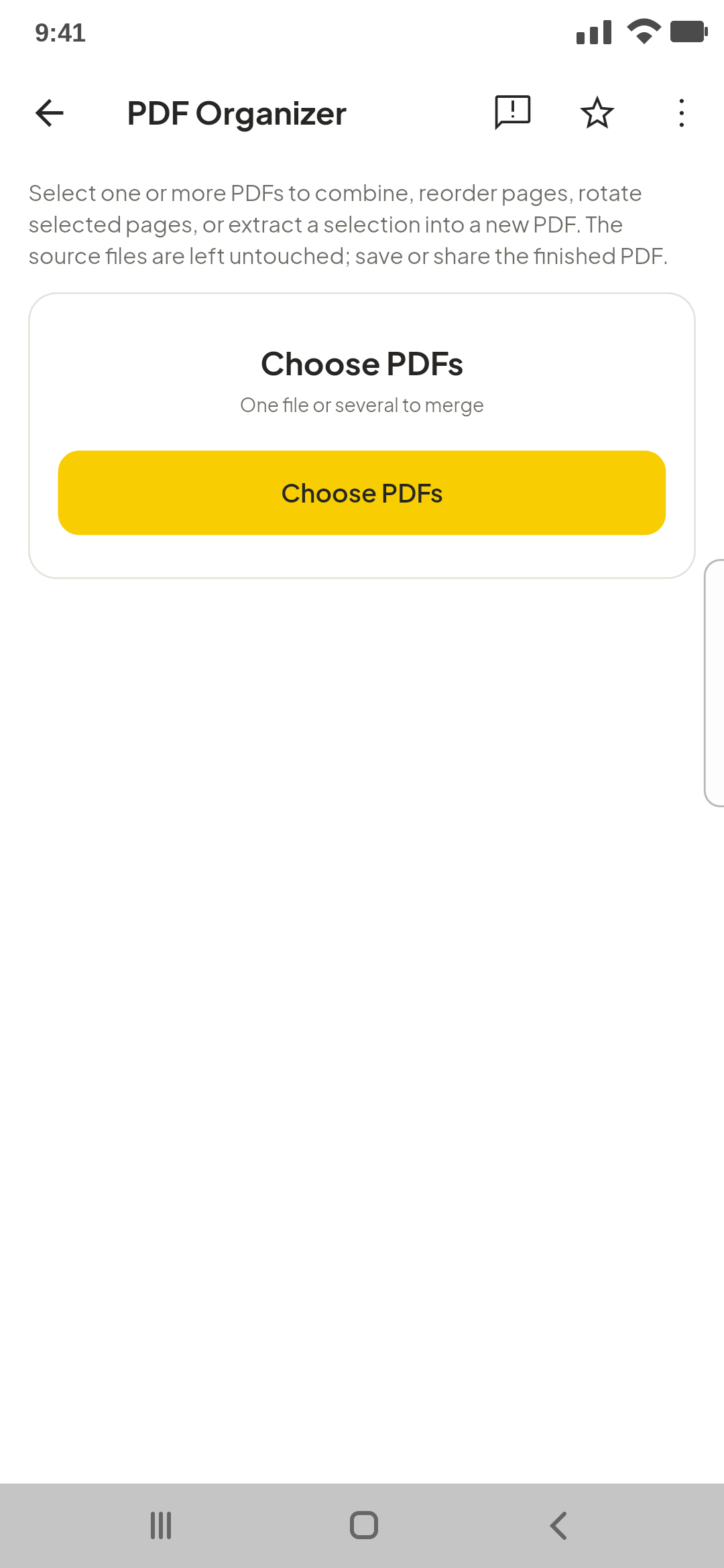
Select one or more PDFs to combine, reorder pages, rotate selected pages, or extract a selection into a new PDF. The source files are left untouched; save or share the finished PDF.
Merge, reorder and rotate pages
Extract pages into a new PDF
Document Scanner
Scan documents into clean PDFs.
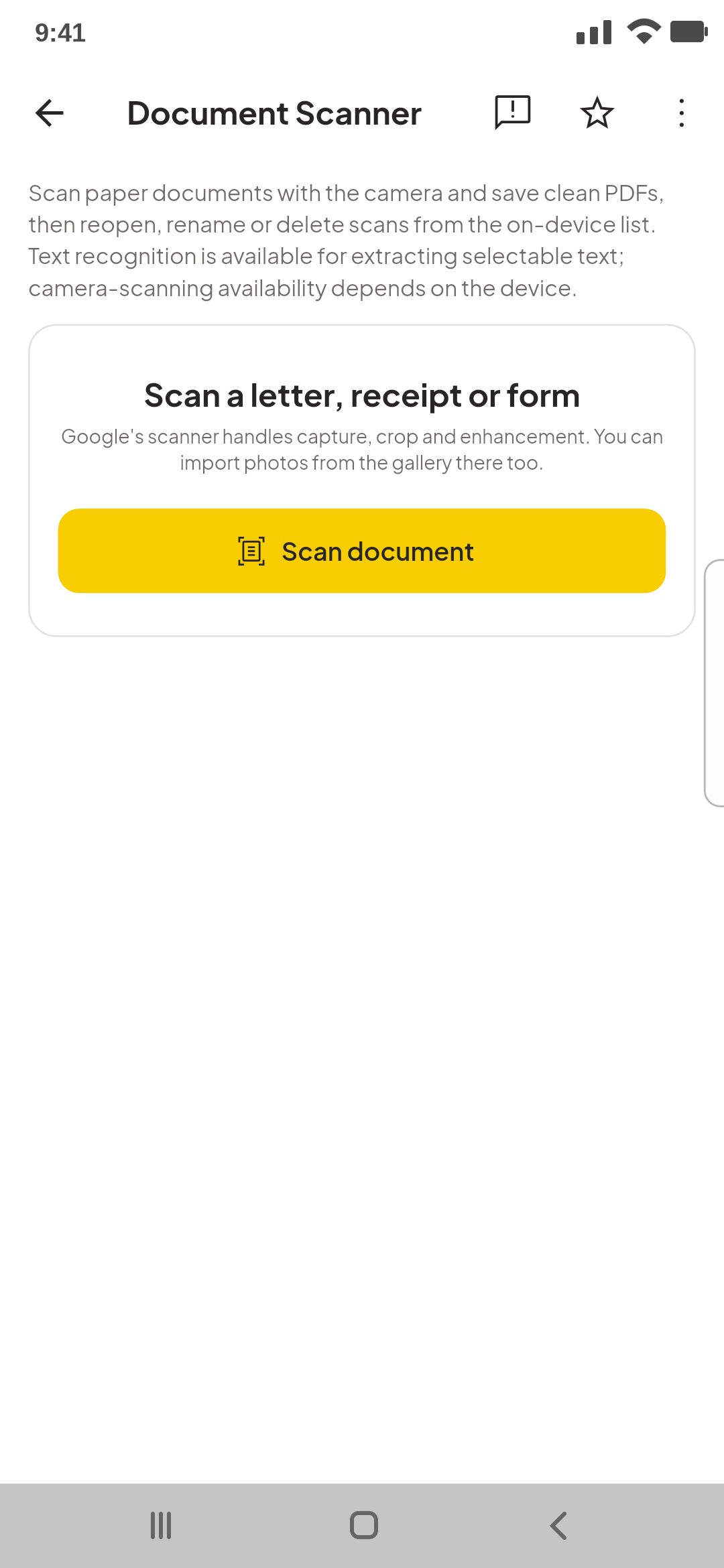
Scan paper documents with the camera and save clean PDFs, then reopen, rename or delete scans from the on-device list. Text recognition is available for extracting selectable text; camera-scanning availability depends on the device.
Camera scanning and saved PDFs
Selectable text recognition
QR Code Maker
Make a QR code for a website, Wi-Fi or contact
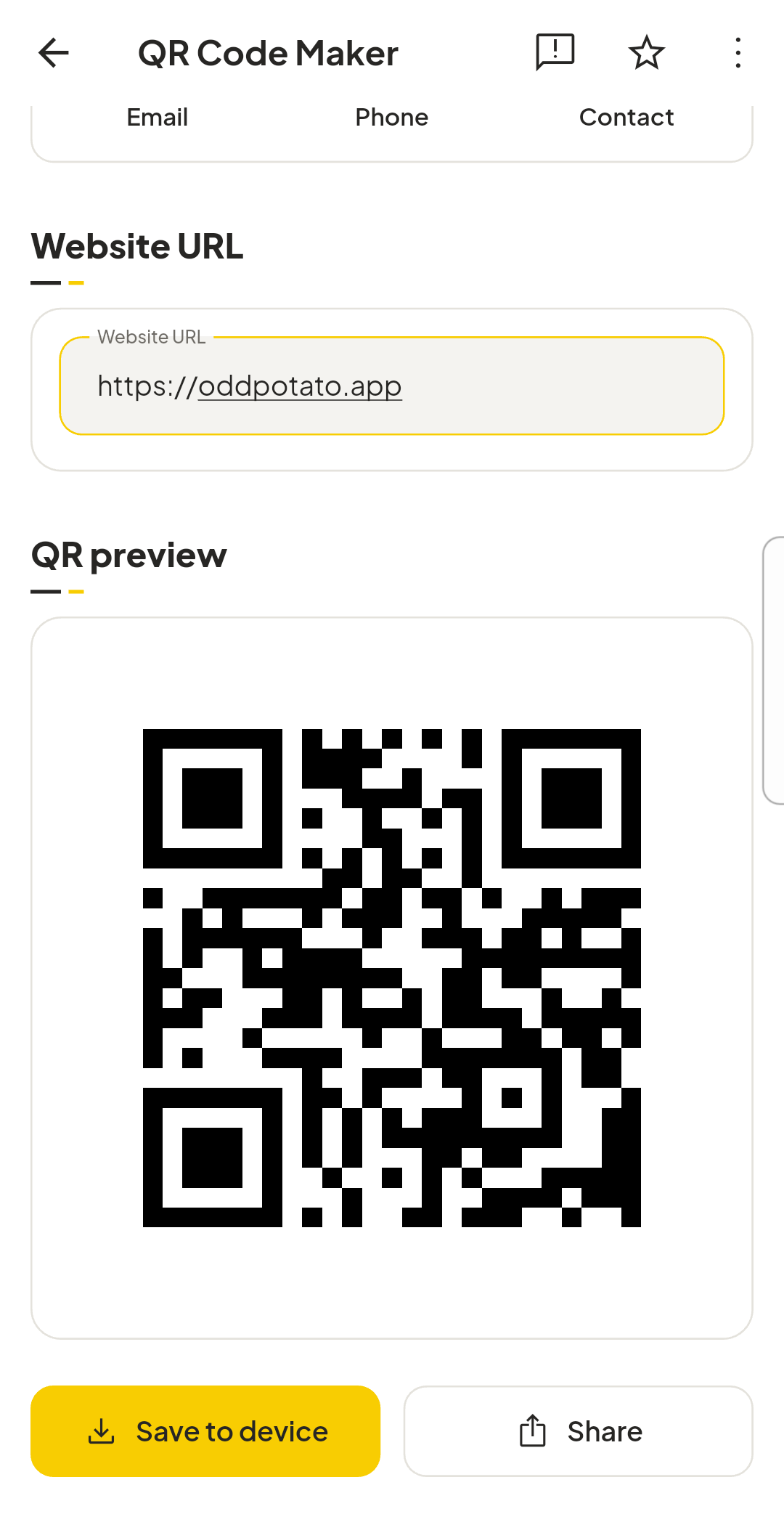
Create QR codes for web links, plain text, Wi-Fi access, email, phone numbers or vCards. Check the generated preview, then save the code as an image or share it; invalid or overly long entries are flagged.
Links, text, Wi-Fi and vCards
Save or share generated codes
Barcode & Label Maker
Create a barcode, or print a product label PDF
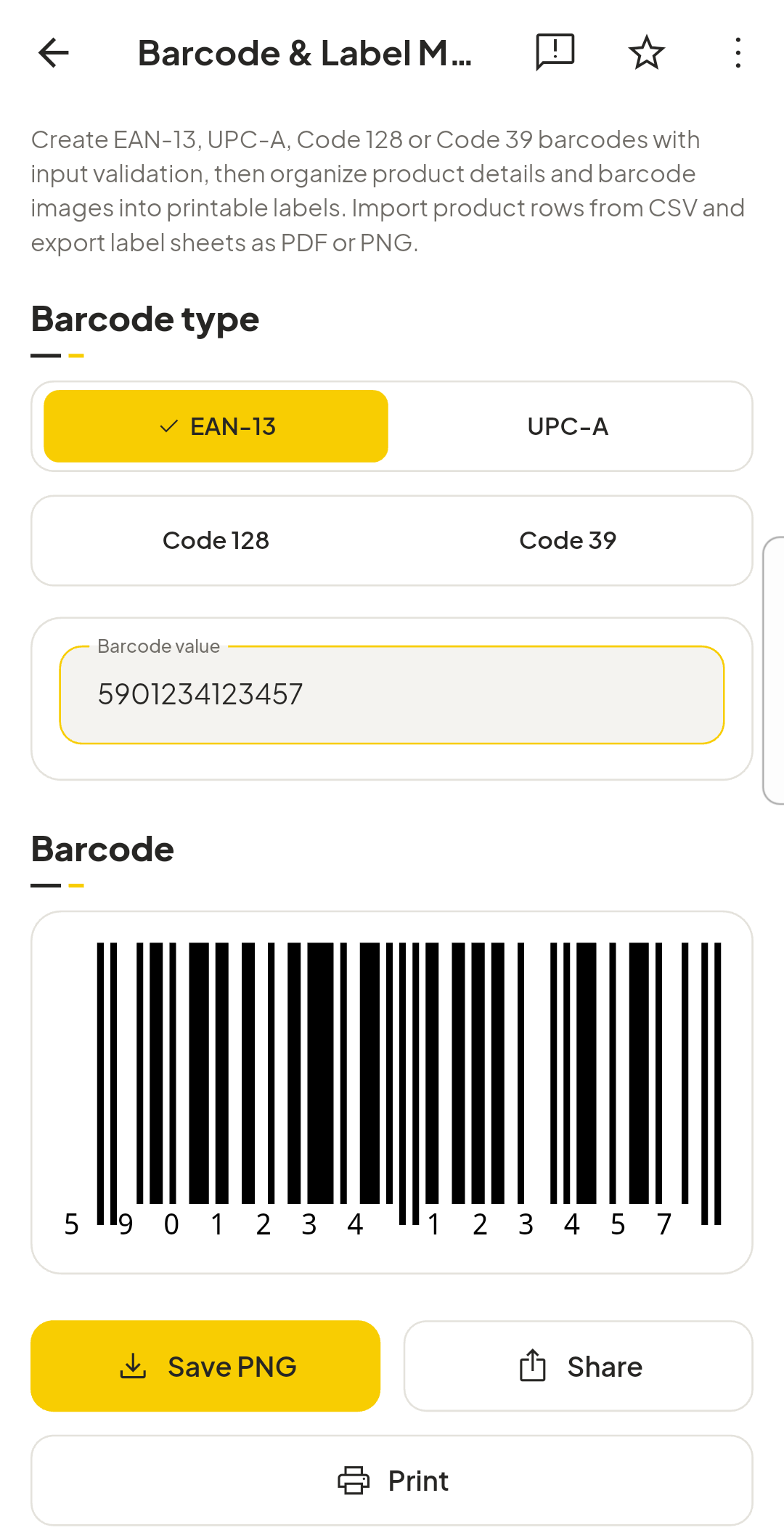
Create EAN-13, UPC-A, Code 128 or Code 39 barcodes with input validation, then organize product details and barcode images into printable labels. Import product rows from CSV and export label sheets as PDF or PNG.
Four supported barcode types
CSV import and PDF or PNG labels
Loan Calculator
See what a loan costs if you pay extra
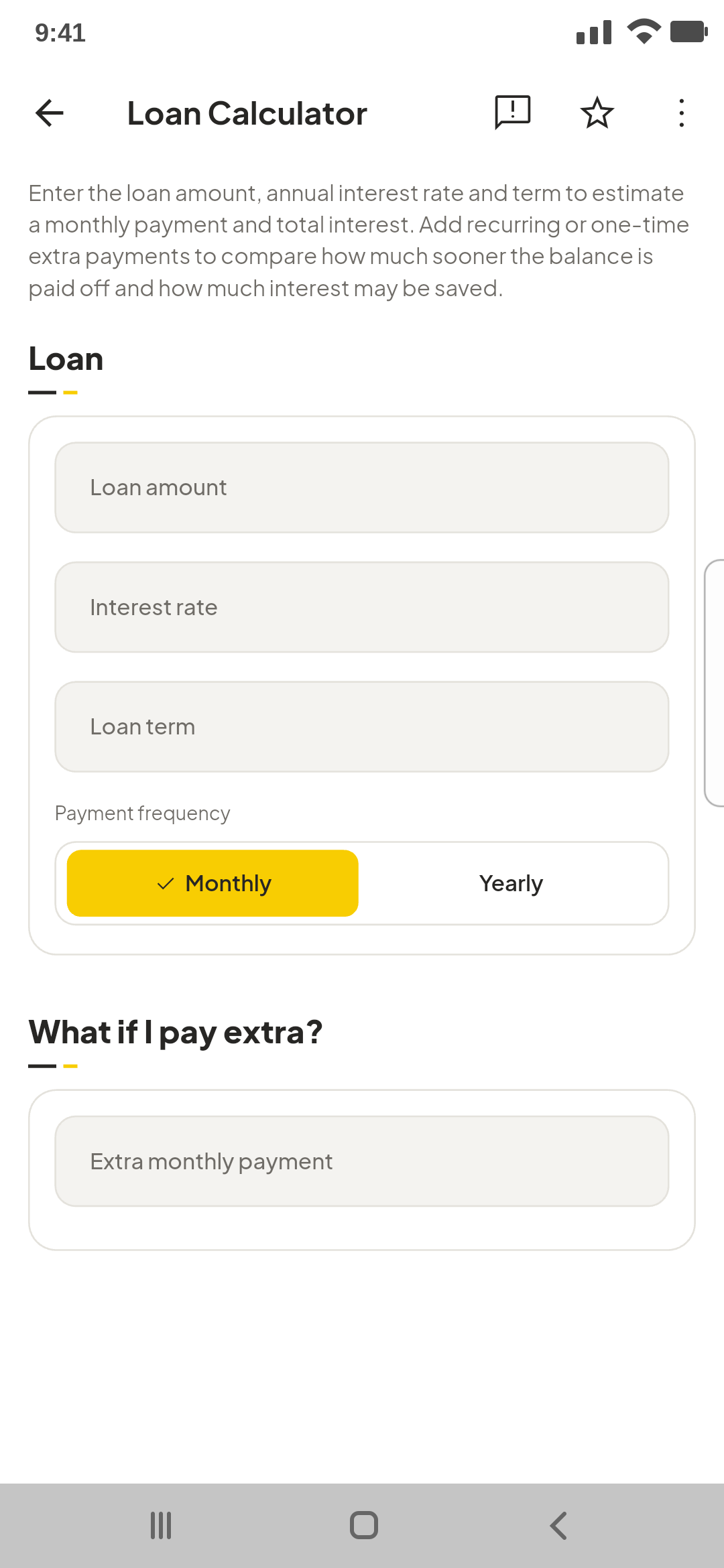
Enter the loan amount, annual interest rate and term to estimate a monthly payment and total interest. Add recurring or one-time extra payments to compare how much sooner the balance is paid off and how much interest may be saved.
Monthly payments and total interest
Recurring and one-time extra payments
Material Weight Calculator
Estimate material weight from its shape, dimensions, and density.
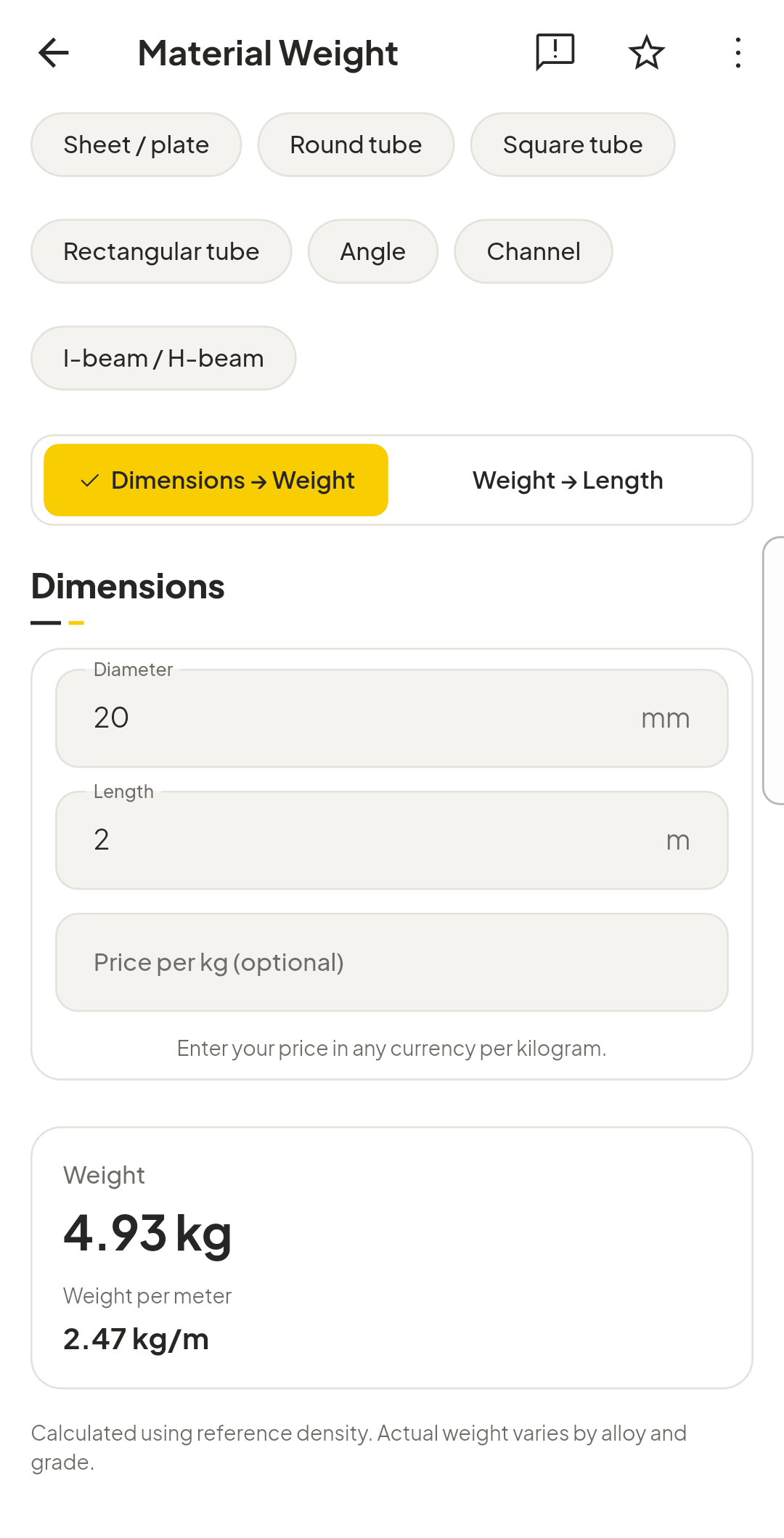
Choose a metal and profile—such as bar, tube, angle or sheet—then enter its dimensions and length. Calculate approximate weight or the length available at a known weight, in metric or imperial units; add a material price for a cost estimate.
Metric and imperial profiles
Weight, available length and optional cost
Everyday Calculator
Percentage, discount and VAT
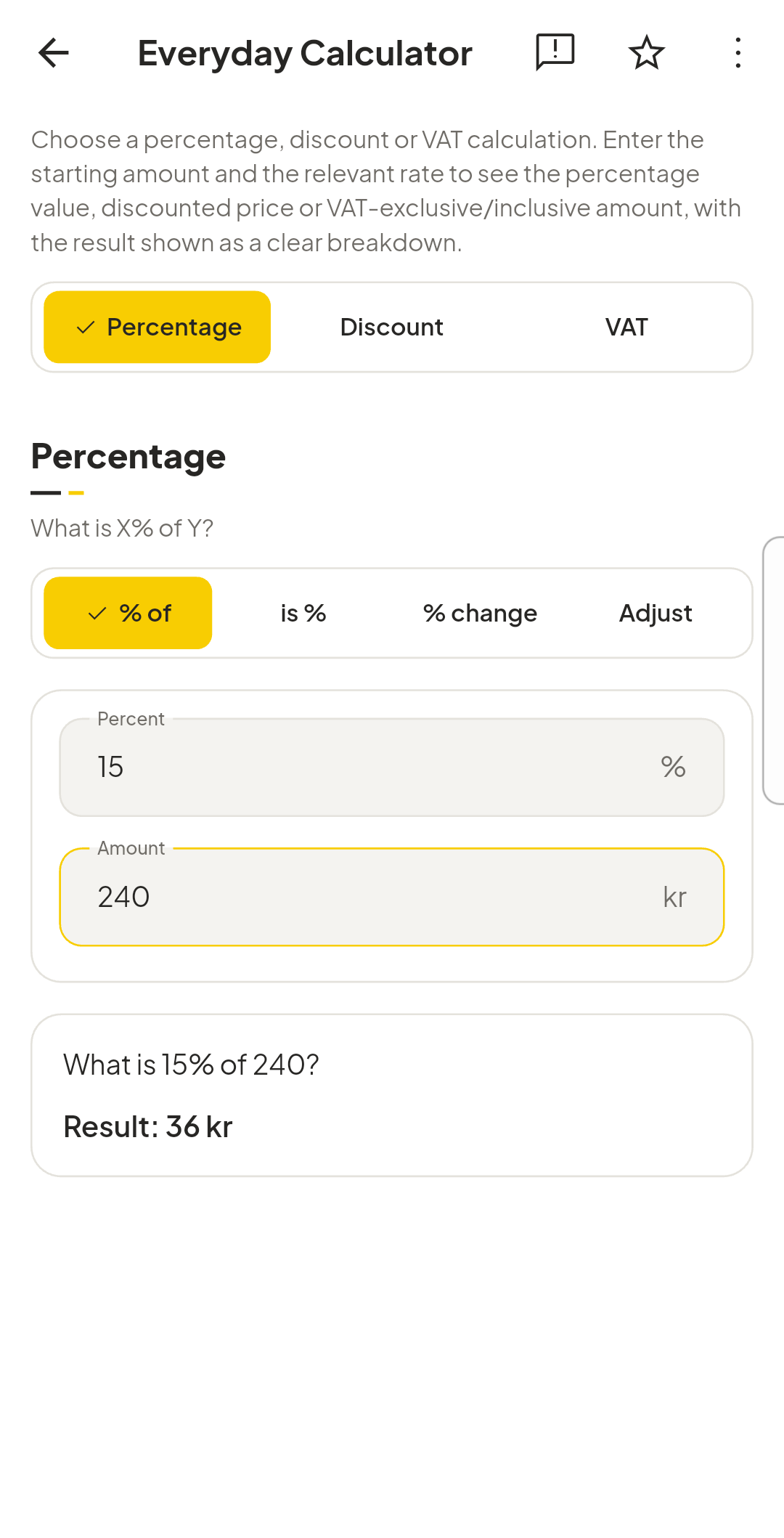
Choose a percentage, discount or VAT calculation. Enter the starting amount and the relevant rate to see the percentage value, discounted price or VAT-exclusive/inclusive amount, with the result shown as a clear breakdown.
Percentage, discount and VAT
Clear result breakdowns
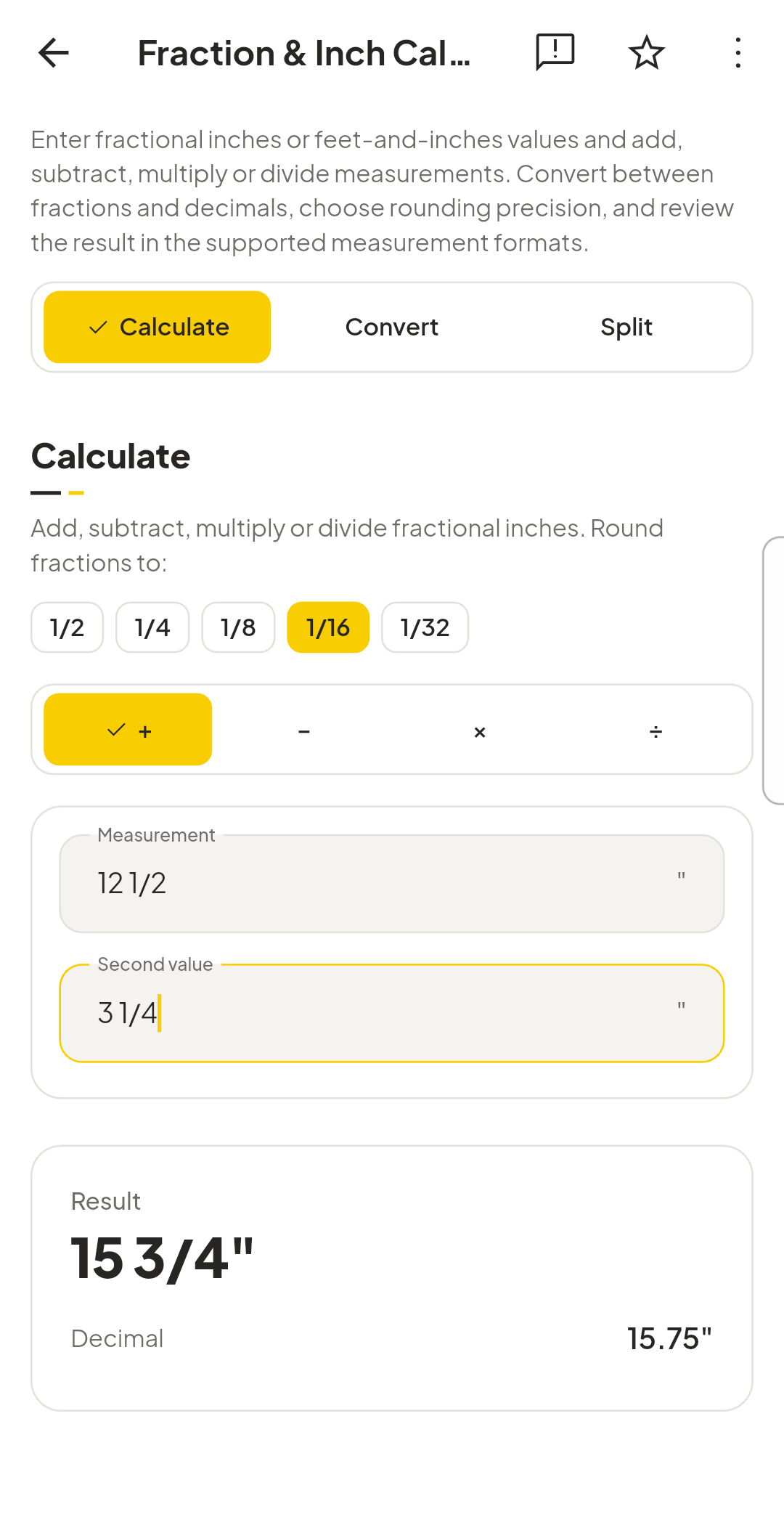
Fraction & Inch Calculator
Add, convert and split fractional inches.
Enter fractional inches or feet-and-inches values and add, subtract, multiply or divide measurements. Convert between fractions and decimals, choose rounding precision, and review the result in the supported measurement formats.
Fractional measurement arithmetic
Fraction and decimal conversion
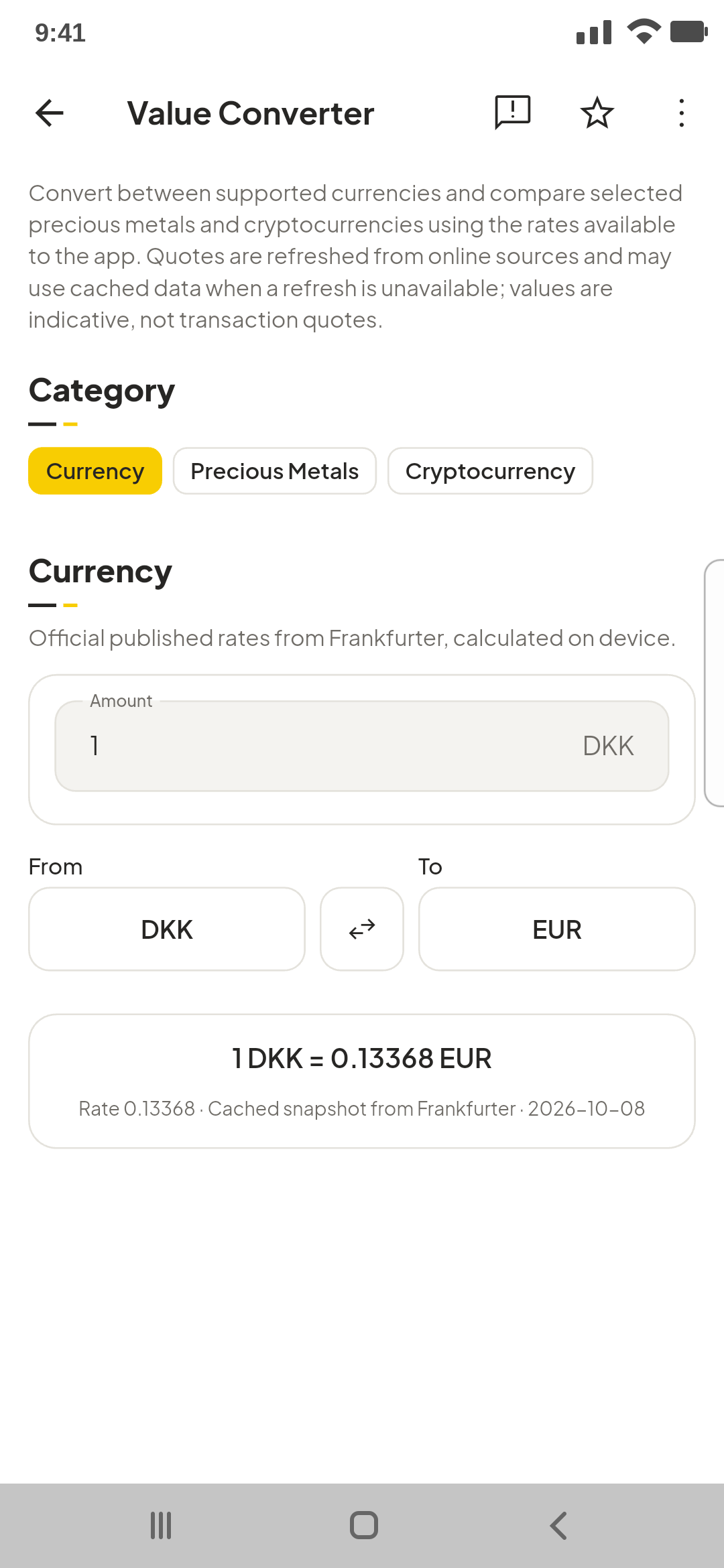
Value Converter
Convert currencies, metals and cryptocurrency.
Convert between supported currencies and compare selected precious metals and cryptocurrencies using the rates available to the app. Quotes are refreshed from online sources and may use cached data when a refresh is unavailable; values are indicative, not transaction quotes.
Currencies, metals and cryptocurrency
Indicative online or cached rates
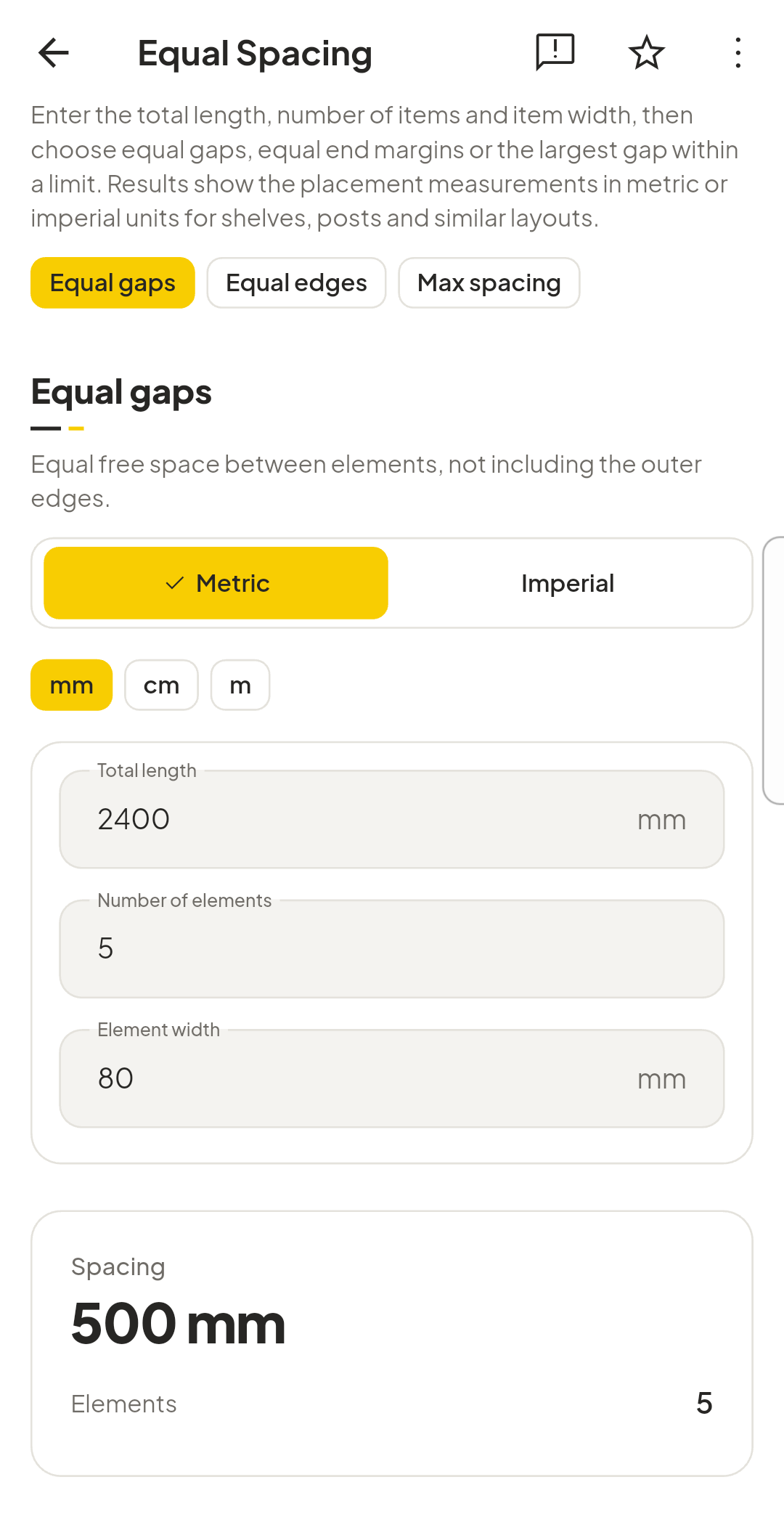
Equal Spacing
Calculate even spacing for repeated elements.
Enter the total length, number of items and item width, then choose equal gaps, equal end margins or the largest gap within a limit. Results show the placement measurements in metric or imperial units for shelves, posts and similar layouts.
Equal gaps or end margins
Metric and imperial placement measurements
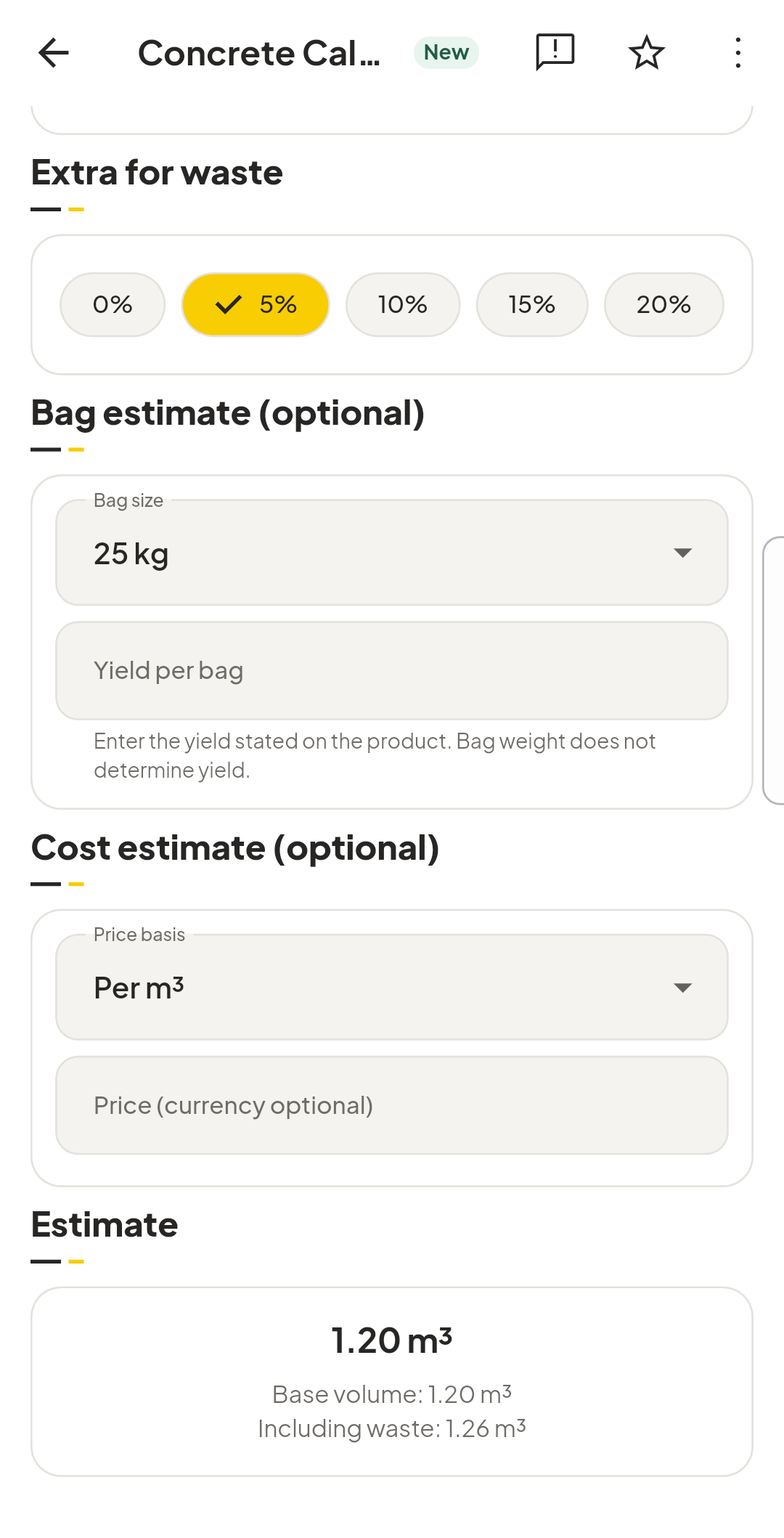
Concrete Calculator
Estimate concrete volume, bag quantities, and material cost.
Choose a slab, rectangular pour, footing, trench, column or steps, then enter its dimensions in metric or imperial units. Add a waste allowance, optional product yield per bag and optional price per bag or volume to estimate concrete volume, bag count and cost.